pb999 Withdrawal & KYC Guide
Read this once and you will know exactly how to complete your pb999 withdraw request, what KYC documents you need, how long everything takes, and what to do if something goes wrong.
Withdrawal limits at a glance
These numbers apply to all pb999 accounts. VIP tiers raise the daily ceiling — see the Bonus & VIP page for tier-specific limits.
| Parameter | Amount / Time | Notes |
|---|---|---|
| Minimum withdrawal | ৳400 | Per transaction |
| Daily withdrawal limit (Bronze) | ৳120,000 | Resets at midnight UTC+06 |
| Processing time | 39 minutes | After approval; first withdrawal up to 2 hours |
| First withdrawal review | Up to 2 hours | KYC must be approved first |
| Minimum deposit (for reference) | ৳300 | To have funds available to withdraw |
How to submit a pb999 withdraw request
The whole process takes under three minutes once your KYC is approved. Follow these steps exactly to avoid delays.
-
1
Log in to your pb999 account
Go to pb999 Login or open the pb999 app. Use the phone number and password you registered with. If you have two-step verification turned on, enter the OTP sent to your phone.
-
2
Open the Wallet and select Withdraw
Tap the wallet icon at the top of the screen, then choose Withdraw. You will see your available balance minus any active bonus wagering requirements. Only the unlocked balance is withdrawable.
-
3
Choose your payment method and enter the amount
Select bKash, Nagad, Rocket, or Upay — whichever matches the account you want to receive funds in. Type an amount of at least ৳400. The daily cap is ৳120,000, so split larger amounts across days if needed.
-
4
Confirm the mobile wallet number
Double-check the number on screen. pb999 sends money only to the mobile wallet number linked to your account. If the number is wrong, contact [email protected] before confirming.
-
5
Submit and wait for the SMS confirmation
Tap Confirm Withdrawal. You will get an on-screen reference number and an SMS. The funds reach your mobile wallet within 39 minutes for regular requests, or up to 2 hours for your very first withdrawal.
Payment channels and processing times
pb999 supports four mobile banking methods for withdrawals in Bangladesh. All are instant on the pb999 side — the time shown below is from approval to arrival in your wallet.
- bKash Deposit: 1 minute Withdraw: 39 minutes
- Nagad Deposit: 1 minute Withdraw: 39 minutes
- Rocket Deposit: 1 minute Withdraw: 39 minutes
- Upay Deposit: 1 minute Withdraw: 39 minutes
Withdrawals submitted between midnight and 6 AM UTC+06 may take slightly longer because mobile banking networks in Bangladesh perform maintenance during those hours. Plan accordingly.
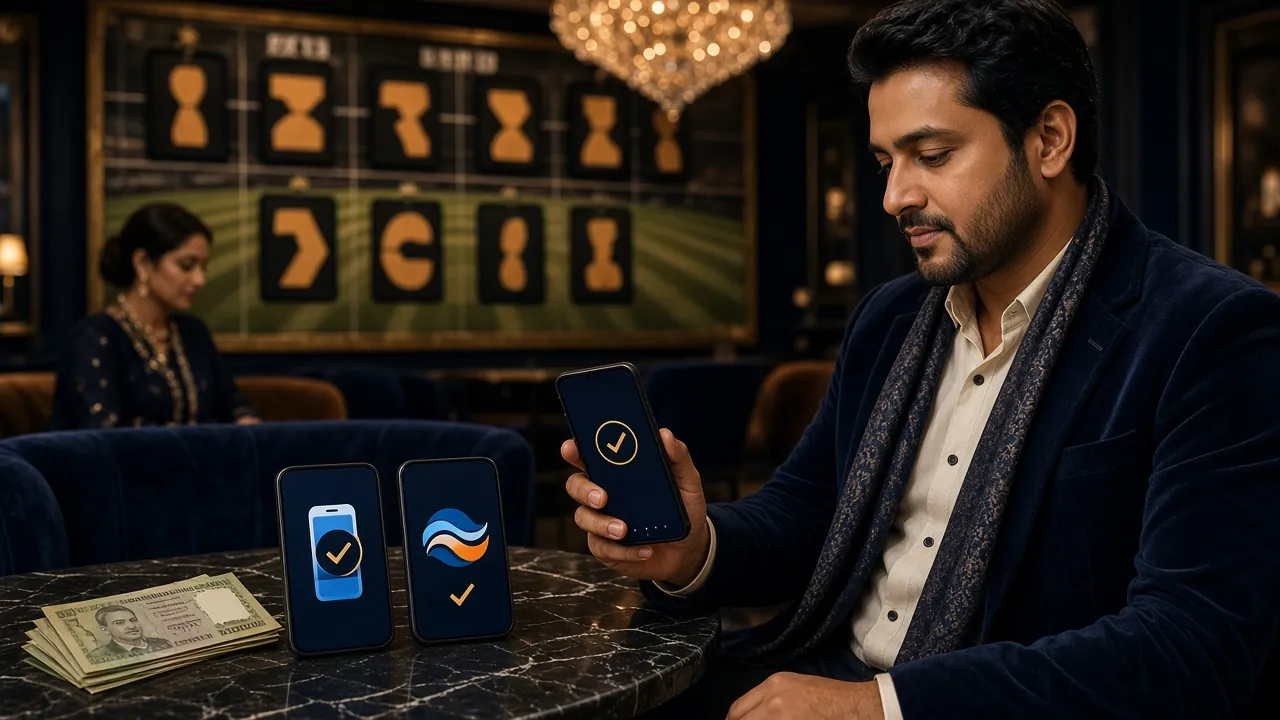
Why KYC is needed before your first pb999 withdraw
KYC stands for Know Your Customer. pb999 requires identity verification before processing your first withdrawal. This is standard practice across licensed gaming platforms — it confirms that you are who you say you are, that you are over 18, and that the funds go to the right person.
You only complete KYC once. After your documents are approved, all future withdrawals process without any additional verification steps. The review takes up to 24 hours from submission, though most accounts are cleared faster during business hours.
Submit your KYC before you request your first withdrawal. If you request a withdrawal and KYC is pending or rejected, the request will be held until verification is complete. Starting KYC early avoids any wait.
Accepted identity documents: which one should you submit?
pb999 accepts three types of government-issued ID. Submit whichever one you have available. Only one document is required, but it must show your full name, date of birth, and photo clearly.
pb999 does not accept expired documents, student ID cards, or utility bills as primary identity verification. If your NID is under review by the Election Commission, use your passport or driving licence instead.
KYC verification: how to upload your documents
-
1
Go to Account Settings
After logging in to pb999, tap your profile icon in the top-right corner and select Account & Verification. You will see your current verification status as "Pending" on a fresh account.
-
2
Select your document type
Choose National ID Card, Passport, or Driving Licence from the dropdown. The upload form will adjust to show the correct number of image slots for that document type.
-
3
Upload clear photos of your document
Take the photos in good lighting. Lay the document flat on a plain surface. For NID, upload both the front side and the back side separately. File formats accepted: JPG, PNG. Maximum file size: 5 MB per image.
-
4
Submit and wait for the review
Tap Submit for Verification. The pb999 compliance team reviews documents within 24 hours. You will receive an email and an in-app notification when the status changes to Approved or if any resubmission is needed.
Photo requirements: what makes a document image pass or fail
Blurry or cropped images are the top reason KYC is rejected. Following these rules gets you approved on the first attempt.
- All four corners of the document must be visible in the frame — do not crop any edge.
- Take the photo in natural light or under a lamp. Avoid flash glare that washes out the printed text.
- The document must be flat. Folded, curved, or partially obscured documents will be rejected.
- Name, date of birth, ID number, and photo must all be legible at 100% zoom. Zoom in after taking the photo to check.
- Do not cover any part of the document with your fingers while photographing it.
- The document must not be expired at the time of submission.
- File size must be under 5 MB per image. If your phone produces larger files, use the compress option before uploading.
pb999 stores KYC documents on encrypted servers. Your documents are used only for identity verification and are never shared with third parties outside of compliance and regulatory obligations. You can request deletion of your data by emailing [email protected].
Rejection reasons: why a pb999 withdraw request gets declined
Withdrawals at pb999 can be declined for a few specific reasons. Each one has a straightforward fix.
-
KYC not approved yet. The most common reason for a first withdrawal being held. Submit your documents and wait for the 24-hour review to complete before requesting a withdrawal.
-
Wagering requirement not met on a bonus. If you claimed the welcome bonus (wagering requirement: 16×), the bonus portion of your balance is locked until you have wagered the required amount. Only the unlocked balance can be withdrawn.
-
Amount below the ৳400 minimum. Enter at least ৳400 per withdrawal transaction. Amounts under this threshold are rejected automatically.
-
Daily limit reached. The standard daily withdrawal cap is ৳120,000. If you have already withdrawn this amount today, your request will be queued until midnight UTC+06 when the limit resets.
-
Wallet number mismatch. The mobile wallet number on your withdrawal request does not match the number registered on your pb999 account. Update your account details or contact support before resubmitting.
-
Suspicious activity flag. Multiple accounts, chargeback history, or unusual betting patterns can trigger a manual review. Contact [email protected] with your account ID to resolve this quickly.
Your first pb999 withdraw: a realistic timeline
Here is what to expect when you are withdrawing from pb999 for the very first time, from account creation through to money arriving in your bKash or Nagad wallet.
| Stage | Typical time | What you need to do |
|---|---|---|
| Register account | 3–5 minutes | Phone number, password, referral code if any |
| Submit KYC documents | 5 minutes | Upload NID / Passport / Driving Licence |
| KYC review | Up to 24 hours | Wait for approval email or in-app notification |
| Submit withdrawal request | 2 minutes | Choose amount ≥ ৳400, confirm wallet number |
| First withdrawal processing | Up to 2 hours | No action needed; check SMS for confirmation |
| All subsequent withdrawals | 39 minutes | Automatic after prior KYC approval |
Questions players ask about pb999 withdrawals and KYC
How long does a normal pb999 withdraw take?
What is the minimum amount I can withdraw from pb999?
Do I need to complete KYC every time I withdraw?
My NID photo is blurry in the system — will pb999 accept it?
Can I withdraw to a different bKash number than the one I registered with?
What happens to my withdrawal if I claimed the welcome bonus?
Is my ID document safe with pb999?
My withdrawal has been pending for more than 2 hours — what should I do?
Quick Reference
- Min Withdraw
- ৳400
- Daily Limit
- ৳1,20,000
- Speed
- 39 min
- KYC Review
- 24 hrs
- 1st Withdraw
- 2 hrs
- Support
- 24/7
Don't have a pb999 account yet? Register now — the first deposit bonus gives you extra balance to play with.
Register Now Log InRelated guides
- SSL Encryption
- KYC Protected
- 24/7 Support
- bKash & Nagad
- 18+ Only
Ready to make your first withdrawal?
Create a pb999 account, complete KYC once, and you are set. Withdrawals via bKash and Nagad arrive in under 39 minutes.
18+ · Play Responsibly · Bangladesh
18+ only. pb999 is intended for adult players in Bangladesh. Play responsibly. If gambling is affecting you, seek help. All transactions processed via bKash, Nagad, Rocket, or Upay.